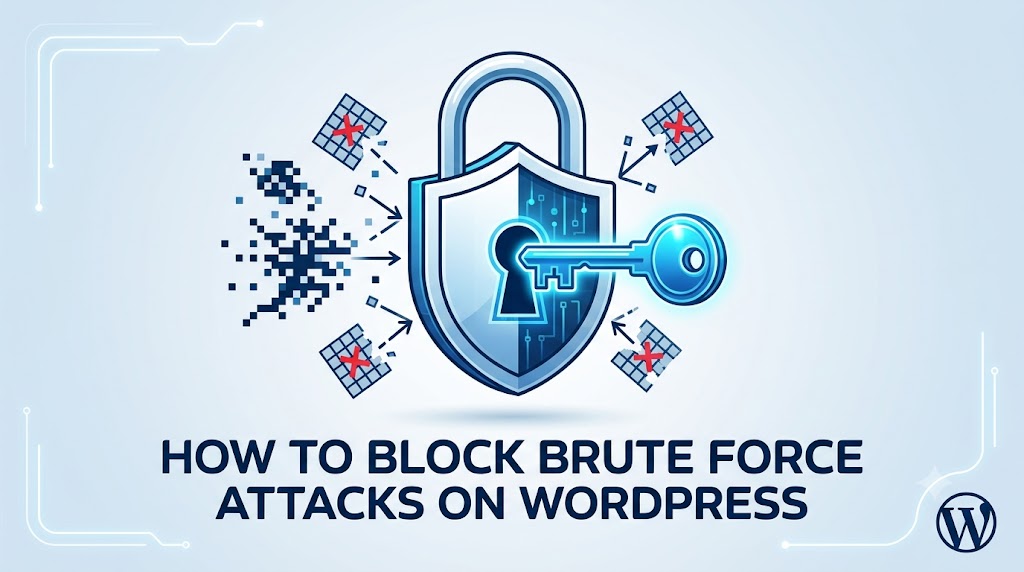
Brute force attacks are a common threat to WordPress sites, where malicious actors attempt to guess login credentials by repeatedly trying different combinations of usernames and passwords. This can lead to unauthorized access, data breaches, and significant damage to your online reputation. As a WordPress site owner, it’s essential to understand the risks and take proactive measures to block brute force attacks and protect your site. In this article, we’ll explore the common causes of brute force attacks, step-by-step solutions to prevent them, and expert tips to enhance your site’s security.
What Causes This Issue
Brute force attacks are often caused by automated scripts that target vulnerable WordPress sites. These scripts can be launched from anywhere in the world, making it challenging to track down the source. Some common root causes of brute force attacks include weak passwords, outdated WordPress core, themes, or plugins, and poor server configuration. Additionally, sites with easily guessable usernames, such as “admin,” are more susceptible to brute force attacks. To mitigate these risks, it’s crucial to implement robust security measures, which we’ll discuss in the following sections.
Identifying Brute Force Attacks
Before we dive into the solutions, it’s essential to identify the signs of a brute force attack. Some common indicators include a sudden spike in login attempts, slow site performance, and error messages related to login failures. You can also monitor your site’s logs to detect unusual activity. If you suspect a brute force attack, it’s vital to act quickly to prevent further damage.
Checking Site Logs
To check your site logs, you can use the
wp_login_failedhook, which is triggered whenever a login attempt fails. You can add the following code to your theme’s functions.php file to log failed login attempts:
function log_failed_logins( $username ) {
    $log_file = 'failed_logins.log';
    $log_path = $_SERVER['DOCUMENT_ROOT'] . '/' . $log_file;
    $timestamp = date('Y-m-d H:i:s');
    $message = "$timestamp - Failed login attempt for $usernamen";
    file_put_contents($log_path, $message, FILE_APPEND);
}
add_action( 'wp_login_failed', 'log_failed_logins' );
This code will log failed login attempts to a file named “failed_logins.log” in your site’s root directory. You can then monitor this file to detect unusual activity.
Solutions to Block Brute Force Attacks
Now that we’ve covered the causes and identification of brute force attacks, let’s move on to the solutions. Here are some step-by-step measures to block brute force attacks on your WordPress site:
1. Limit Login Attempts
One of the most effective ways to block brute force attacks is to limit the number of login attempts. You can use plugins like WP Limit Login Attempts or Login Security Solution to achieve this. These plugins allow you to set a maximum number of login attempts within a specified time frame. If the limit is exceeded, the plugin will temporarily block the IP address, preventing further login attempts.
2. Use Strong Passwords and Usernames
Using strong, unique passwords and usernames is crucial to preventing brute force attacks. Avoid using easily guessable usernames, such as “admin,” and opt for complex passwords that include a mix of uppercase and lowercase letters, numbers, and special characters. You can also use password managers like LastPass or 1Password to generate and store unique, complex passwords.
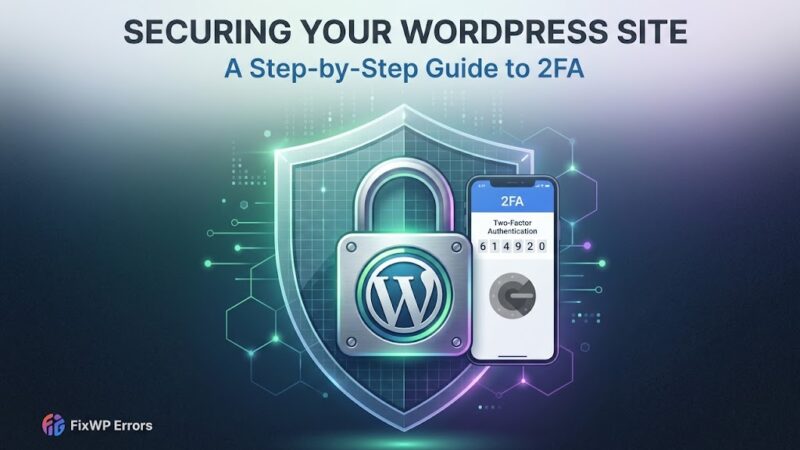
3. Enable Two-Factor Authentication (2FA)
Two-factor authentication adds an extra layer of security to your WordPress site by requiring users to provide a second form of verification, such as a code sent to their phone or a biometric scan. You can use plugins like Google Authenticator or Authy to enable 2FA on your site.
4. Use a Web Application Firewall (WAF)
A web application firewall (WAF) is a network security system that monitors and controls incoming and outgoing traffic to your site. A WAF can help block brute force attacks by filtering out malicious traffic and preventing it from reaching your site. You can use cloud-based WAF services like Cloudflare or Sucuri to protect your site.
5. Keep Your Site Updated
Keeping your WordPress core, themes, and plugins up-to-date is essential to preventing brute force attacks. Outdated software can leave your site vulnerable to exploitation, so make sure to regularly update your site’s components to ensure you have the latest security patches.
Prevention Tips
In addition to the solutions outlined above, here are some prevention tips to help you avoid brute force attacks:
1. Monitor Your Site’s Logs
Regularly monitoring your site’s logs can help you detect unusual activity and identify potential security threats. Make sure to check your logs frequently to stay on top of your site’s security.
2. Use a Security Plugin
Using a security plugin like Wordfence or MalCare can help you identify and block potential security threats, including brute force attacks. These plugins offer a range of features, including login security, malware scanning, and firewall protection.
3. Limit Access to Your Site
Limiting access to your site can help prevent brute force attacks. Make sure to restrict access to your site’s admin area and limit the number of users who have login access.
In conclusion, blocking brute force attacks on your WordPress site requires a combination of proactive measures, including limiting login attempts, using strong passwords and usernames, enabling two-factor authentication, using a web application firewall, and keeping your site updated. By following these steps and implementing the prevention tips outlined above, you can significantly enhance your site’s security and protect it from malicious actors. Remember to stay vigilant and regularly monitor your site’s logs to detect potential security threats. With the right security measures in place, you can ensure your WordPress site remains safe and secure.