A slow-loading WordPress website can be frustrating for both visitors and search engines, leading to higher bounce rates, lower engagement, and decreased search engine rankings. As a WordPress site owner, you’ve likely experienced the annoyance of waiting for your site to load, only to be met with a sluggish and unresponsive interface. The good news is that there are many ways to improve the performance of your WordPress site, and in this article, we’ll explore the most effective methods to speed up your WordPress site and get it running like a well-oiled machine.
What Causes This Issue
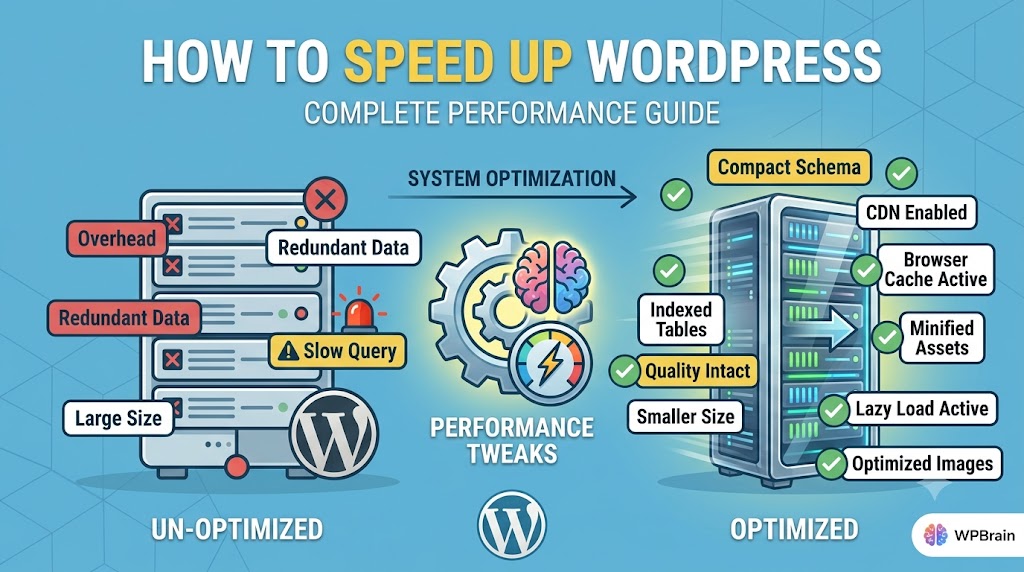
Before we dive into the solutions, it’s essential to understand the common root causes of slow WordPress sites. Some of the most common culprits include poorly optimized themes and plugins, excessive HTTP requests, inefficient database queries, and inadequate server resources. Additionally, factors such as large image files, excessive JavaScript and CSS files, and inefficient caching mechanisms can also contribute to slow load times. By identifying and addressing these issues, you can significantly improve the performance of your WordPress site.
Step-by-Step Solutions
To speed up your WordPress site, follow these step-by-step solutions:
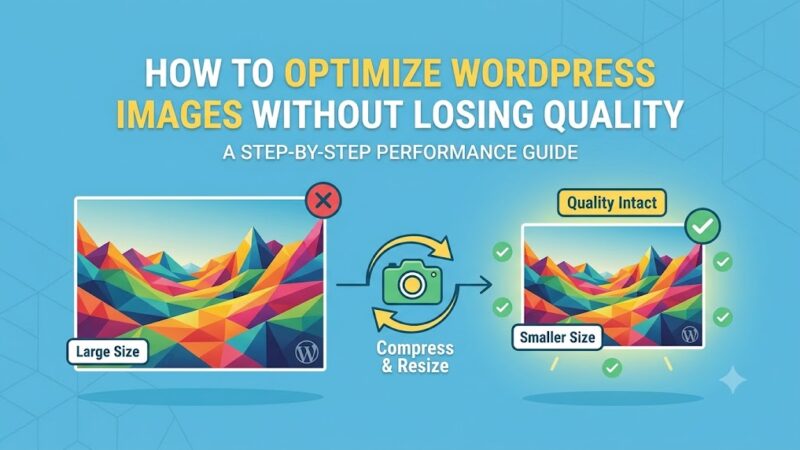
First, optimize your images by compressing them using tools like TinyPNG or ShortPixel. This can significantly reduce the file size of your images, resulting in faster load times. You can also use plugins like WP Smush to automate the image compression process.
// Example of how to use the WP Smush plugin
function smush_image($image) {
  $smushed_image = wp_smushit($image);
  return $smushed_image;
}
Next, minify and combine your JavaScript and CSS files using plugins like Autoptimize or WP Rocket. This can help reduce the number of HTTP requests made by your site, resulting in faster load times.
// Example of how to use the Autoptimize plugin
function autoptimize_filter($html) {
  $html = autoptimize_html($html);
  return $html;
}
Another effective way to speed up your WordPress site is to leverage browser caching. This involves storing frequently-used resources, such as images and JavaScript files, in the visitor’s browser cache, reducing the need for repeat requests to your server. You can use plugins like W3 Total Cache or WP Super Cache to enable browser caching on your site.
// Example of how to use the W3 Total Cache plugin
function w3tc_browser_cache($config) {
  $config['enabled'] = true;
  return $config;
}
Optimizing Your Database
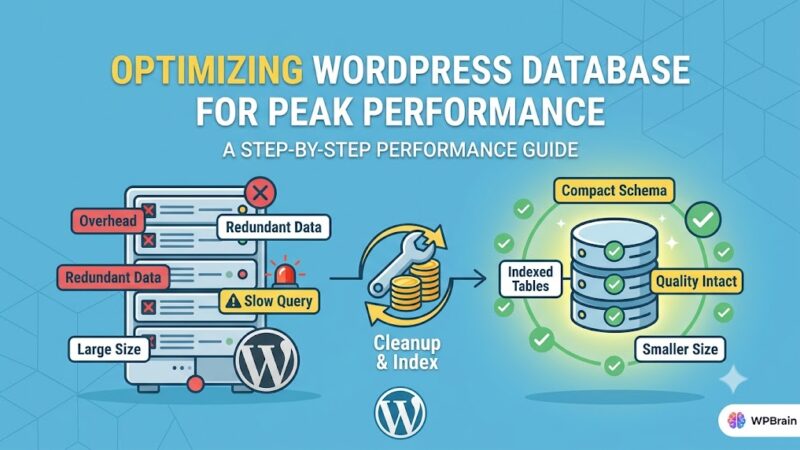
A poorly optimized database can significantly slow down your WordPress site. To optimize your database, you can use plugins like WP-Optimize or Advanced Database Cleaner to remove unnecessary data, such as post revisions and spam comments.
// Example of how to use the WP-Optimize plugin
function wp_optimize_database() {
  $optimizer = new WPOptimize();
  $optimizer->optimize();
}
You can also use the WP-CLI command-line tool to optimize your database. For example, you can use the following command to optimize your database tables:
wp db optimize
Choosing the Right Hosting
Your web hosting provider can also have a significant impact on the performance of your WordPress site. Look for a hosting provider that offers fast server response times, adequate resources, and optimized servers for WordPress. Some popular options include WP Engine, Kinsta, and SiteGround.
Prevention Tips
To prevent your WordPress site from slowing down in the future, follow these prevention tips:
Regularly update your themes and plugins to ensure you have the latest security patches and performance optimizations. You can use plugins like WP Updates Manager to automate the update process.
Avoid overusing plugins, as this can lead to excessive HTTP requests and slow load times. Only use plugins that are necessary for your site’s functionality, and regularly review your plugin list to ensure you’re not using any unnecessary plugins.
Use a content delivery network (CDN) to distribute your site’s content across multiple servers, reducing the distance between your visitors and your site’s resources. This can help improve page load times and reduce the load on your server.
Conclusion
In conclusion, speeding up your WordPress site requires a combination of optimization techniques, including image compression, minification and combination of JavaScript and CSS files, browser caching, database optimization, and choosing the right hosting provider. By following the step-by-step solutions and prevention tips outlined in this article, you can significantly improve the performance of your WordPress site and provide a better experience for your visitors. Remember to regularly monitor your site’s performance and make adjustments as needed to ensure your site remains fast and responsive.