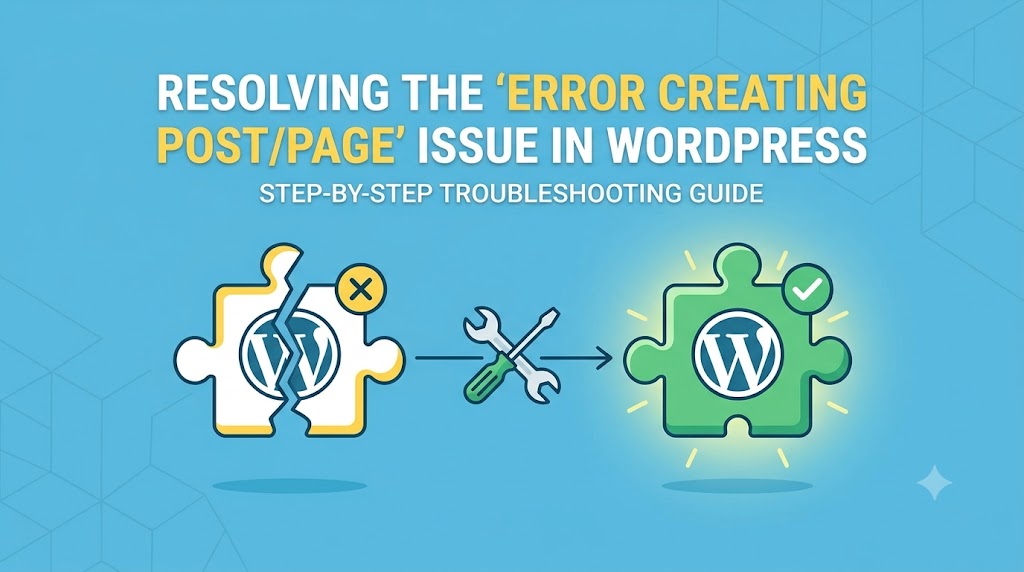
Are you struggling with the frustrating “Error creating post/page” issue on your WordPress site? This error can be particularly annoying, especially when you’re in the middle of creating important content for your audience. It’s essential to understand that this issue can stem from various factors, including plugin conflicts, theme issues, and even server-side problems. As a WordPress developer, I’ve encountered this issue numerous times, and in this article, I’ll guide you through the process of identifying and fixing the problem, ensuring you can get back to creating content without any hurdles.
What Causes This Issue
The “Error creating post/page” issue in WordPress can be caused by a variety of factors. Understanding the root cause is crucial for applying the correct fix. Some common causes include:
- Plugin conflicts: Sometimes, plugins can interfere with each other or with the WordPress core, leading to errors when creating posts or pages.
- Theme issues: A poorly coded theme or a theme that is not compatible with the latest version of WordPress can cause this error.
- Server-side problems: Issues with your web hosting server, such as insufficient resources or incorrect server configurations, can also lead to this error.
- Corrupted database tables: In some cases, corrupted database tables can prevent WordPress from creating new posts or pages.
Step-by-Step Solutions
To fix the “Error creating post/page” issue, follow these step-by-step solutions:
Step 1: Check for Plugin Conflicts
Begin by deactivating all plugins and then try to create a new post or page. If the issue is resolved, reactivate your plugins one by one to identify which plugin is causing the conflict.
// Example of how to deactivate all plugins using WordPress functions
function deactivate_all_plugins() {
    $plugins = get_option('active_plugins');
    foreach ($plugins as $plugin) {
        deactivate_plugin($plugin);
    }
}
deactivate_all_plugins();
Step 2: Switch to a Default Theme
Switch your site to a default WordPress theme, such as Twenty Nineteen, to see if the issue persists. If the problem is resolved, it indicates that your current theme is causing the issue.
Step 3: Check Server Error Logs
Inspect your server error logs to identify any server-side issues that might be causing the error. You can usually find these logs in your web hosting control panel or by contacting your hosting provider.
Step 4: Repair Database Tables
Use the WordPress database repair tool to fix any corrupted database tables. You can access this tool by adding the following code to your wp-config.php file:
// Example of how to enable database repair tool
define('WP_ALLOW_REPAIR', true);
Then, visit http://yourwebsite.com/wp-admin/maint/repair.php to repair your database tables.
Troubleshooting Further
If the above steps do not resolve the issue, it may be necessary to dig deeper into your WordPress installation and server configuration. This could involve checking file permissions, reviewing PHP error logs, or even seeking assistance from your web hosting provider or a WordPress expert.
Prevention Tips
To prevent the “Error creating post/page” issue from occurring in the future, consider the following tips:
- Regularly update your WordPress core, themes, and plugins to ensure you have the latest security patches and features.
- Use a reputable and compatible theme that is regularly updated by its developers.
- Avoid using too many plugins, as this can increase the risk of conflicts and errors.
- Monitor your server resources and consider upgrading your hosting plan if you’re experiencing frequent errors or slowdowns.
In conclusion, the “Error creating post/page” issue in WordPress can be frustrating, but it’s often resolvable with the right approach. By understanding the common causes, following the step-by-step solutions, and implementing prevention tips, you can ensure a smoother content creation experience on your WordPress site. Remember, if you’re ever in doubt or need further assistance, don’t hesitate to reach out to a WordPress expert or your web hosting provider for support.