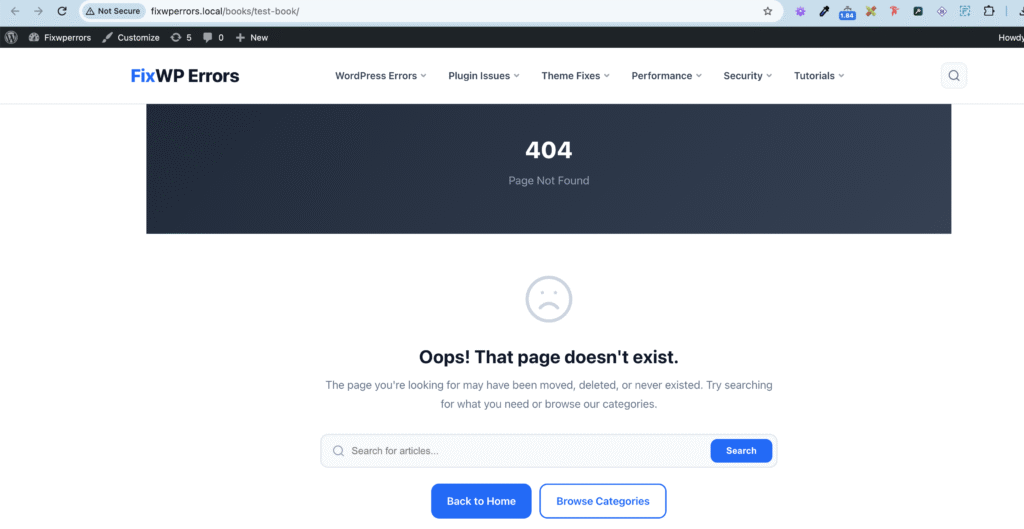
You register a custom post type, add a few entries, click View, and get your theme’s “Page not found” page. The posts exist in the admin, but WordPress won’t show them on the front end. Sometimes the single posts work but the archive page at /books/ doesn’t, or page 2 of the archive is a 404.
Nearly every case comes down to WordPress’s rewrite rules, the stored list that maps pretty URLs to content. This guide starts with the 30-second fix, then covers the causes that fix doesn’t solve.
The 30-Second Fix: Refresh Permalinks
WordPress doesn’t rebuild its rewrite rules on every page load. It builds them once, stores them in the database, and reuses them. A new post type, or a changed slug, has no rules until something rebuilds them.
Go to Settings → Permalinks and click Save Changes without changing anything. That rebuilds the rules, including your post type’s. Reload the 404 page.
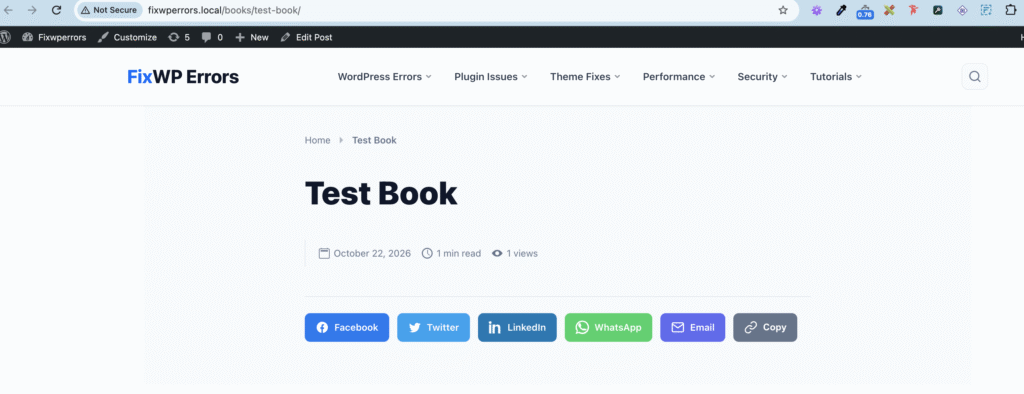
If you have WP-CLI, wp rewrite flush does the same thing. If the page works now, you’re done. If you’re the developer, read the next section so it doesn’t happen to your users.
For Developers: Flush Rules on Activation, Not on Every Load
If your plugin or theme registers the post type, flush the rewrite rules once when it’s activated, after registering the post type in that same request. Never call flush_rewrite_rules() on init or on every page load. It’s an expensive operation that rewrites a database option each time.
function myplugin_register_book() {
    register_post_type( 'book', array(
        'labels'       => array(
            'name'          => 'Books',
            'singular_name' => 'Book',
        ),
        'public'       => true,
        'has_archive'  => true,
        'rewrite'      => array( 'slug' => 'books' ),
        'show_in_rest' => true,
    ) );
}
add_action( 'init', 'myplugin_register_book' );

function myplugin_activate() {
    myplugin_register_book();
    flush_rewrite_rules();
}
register_activation_hook( __FILE__, 'myplugin_activate' );

register_deactivation_hook( __FILE__, 'flush_rewrite_rules' );
The activation function calls the registration function directly, because init has already run by the time a plugin is activated. The deactivation hook removes the rules again when the plugin is switched off. If you change the rewrite slug later, the rules need flushing again, for example by saving Permalinks once after deploying.
In a theme, there’s no activation hook. Flush on the after_switch_theme action instead, or simply ask users to save Permalinks once.
If Refreshing Permalinks Didn’t Fix It
The archive page is a 404, but single posts work
Post type archives are off by default. Without 'has_archive' => true (or a string such as 'has_archive' => 'books'), there’s no /books/ page at all. Add it and refresh permalinks.
A page has the same slug as the post type
If you have a regular page called “Books” at /books/ and your post type also uses the books slug, the two compete for the same URLs, and one of them loses. Either rename the page’s slug, or change the post type’s rewrite slug, then refresh permalinks. The same applies to a custom taxonomy, category, or tag using a slug that clashes with the post type.
The post type isn’t public, or has no rewrite rules
Check the registration arguments:
'public' => false(or'publicly_queryable' => false) means the post type isn’t meant to be viewed on the front end at all.'rewrite' => falsemeans there are no pretty URLs. Entries are only reachable at?book=slug.
Post type plugins such as CPT UI have the same settings, labelled “Public”, “Publicly Queryable”, “Has Archive”, and “Rewrite”.
The post type is registered too late, or only in the admin
register_post_type() must run on the init hook on every request, front end included. If it’s inside an is_admin() check, or hooked to something that only runs in the admin, the admin shows your posts but the front end has never heard of the post type and returns 404.
Page 2 of the archive is a 404
This happens when an archive or page template runs its own WP_Query with a different posts_per_page than the main query. WordPress decides whether /page/2/ exists from the main query. If the main query has fewer pages, page 2 is a 404 before your template even runs. Change the main query with pre_get_posts instead of running a second query:
function myplugin_books_per_page( $query ) {
    if ( ! is_admin() && $query->is_main_query() && $query->is_post_type_archive( 'book' ) ) {
        $query->set( 'posts_per_page', 12 );
    }
}
add_action( 'pre_get_posts', 'myplugin_books_per_page' );
Our guide to WordPress hooks explains pre_get_posts in more detail.
See Which Rule Matched the URL
If you still can’t see why a URL fails, check what WordPress matched it to:
- The free Query Monitor plugin has a Request panel showing the matched rewrite rule and the resulting query variables for the current page. If the matched rule isn’t yours, another post type, taxonomy, or page is taking the URL first.
- With WP-CLI,
wp rewrite list --match=/books/my-book/lists the rules that match a given path, in the order WordPress tries them.
Other Things to Check
- Permalinks set to “Plain” don’t use rewrite rules at all, so if posts work at
?book=slugbut not at pretty URLs,.htaccessor your server’s rewrite setup is the problem. See our .htaccess guide. - Purge your page cache and CDN after fixing. A cached 404 can outlive the fix.
- Multilingual and membership plugins add their own rewrite rules. If the 404 only happens with one of them active, check its URL settings.
Summary
Custom post type 404s are almost always missing rewrite rules: save Settings → Permalinks, and in your own code flush rules on activation only. If that doesn’t help, check has_archive for archive 404s, slug clashes with pages and taxonomies, the public and rewrite arguments, whether the post type is registered on every request, and pre_get_posts for pagination 404s.